Process Mapping Template
Optimize Your Workflows with a Comprehensive Process Mapping Template
Visualize, analyze, and enhance workflows effortlessly with our Process Mapping Template, designed to optimize operational efficiency and clarity.
- Pre-built process mapping templates for quick and accurate workflow mapping
- Structured process data for consistent, maintainable process mapping
- Collaborative features for seamless real-time team alignment on process maps
Over 10 Million people and 1000s of teams already use Creately

Get Started Quickly with Ready-Made Process Mapping Templates
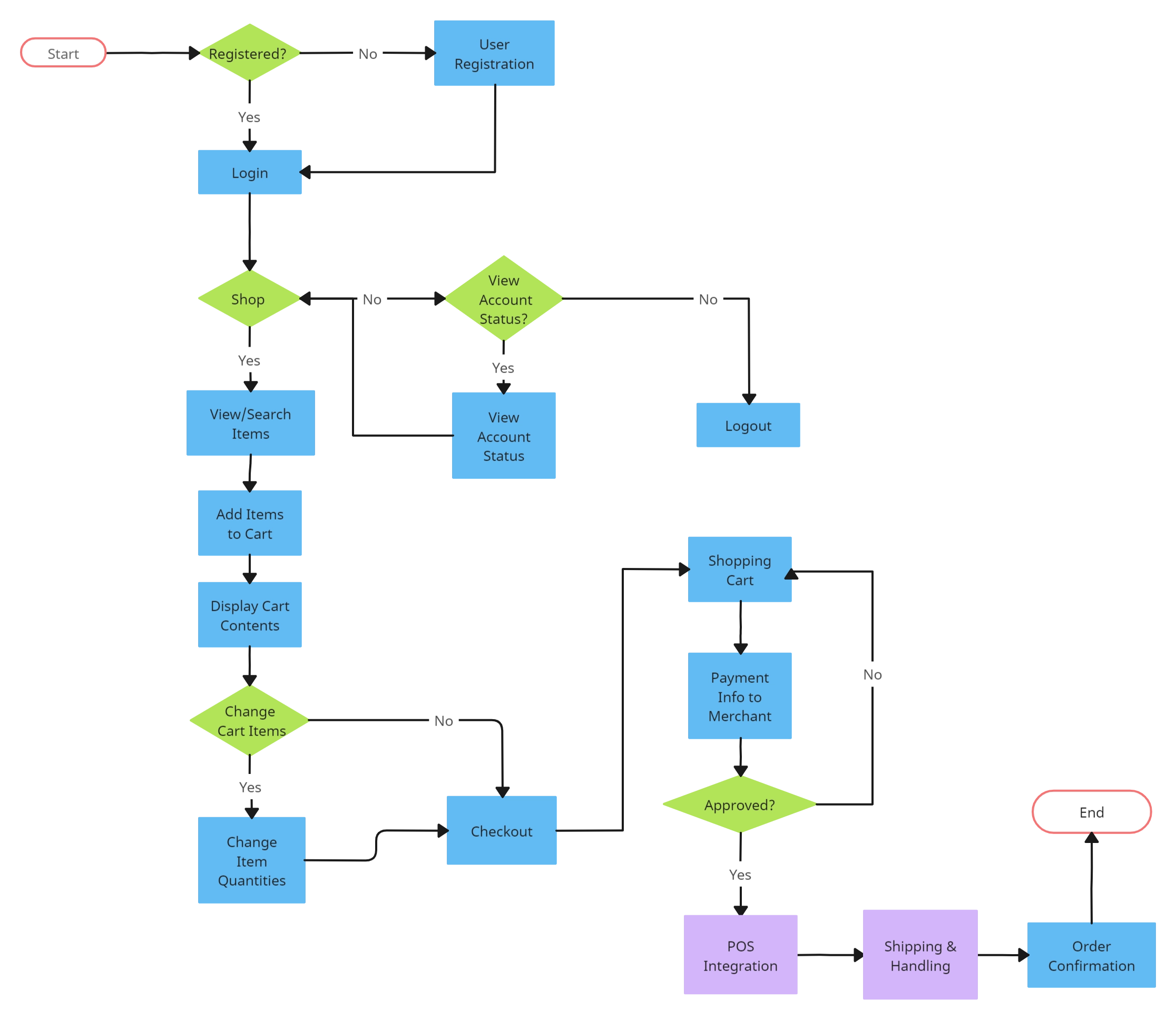
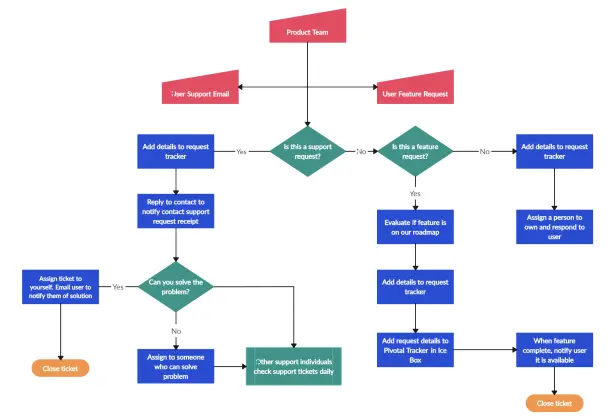
Transform Complex Processes with a Process Mapping Template
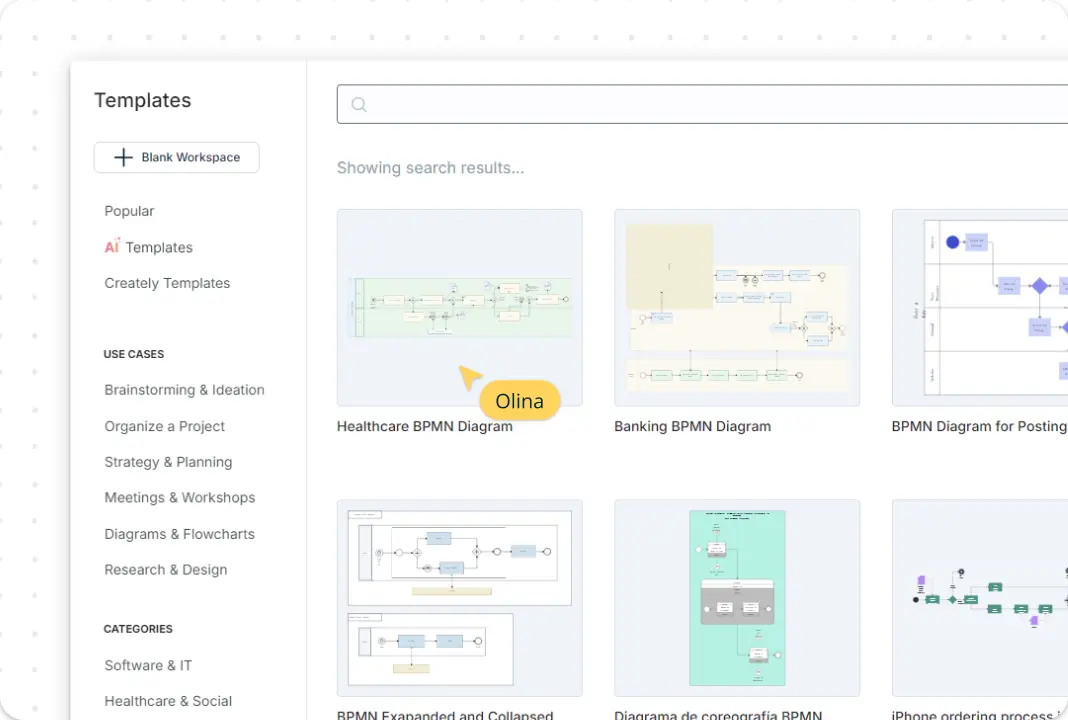
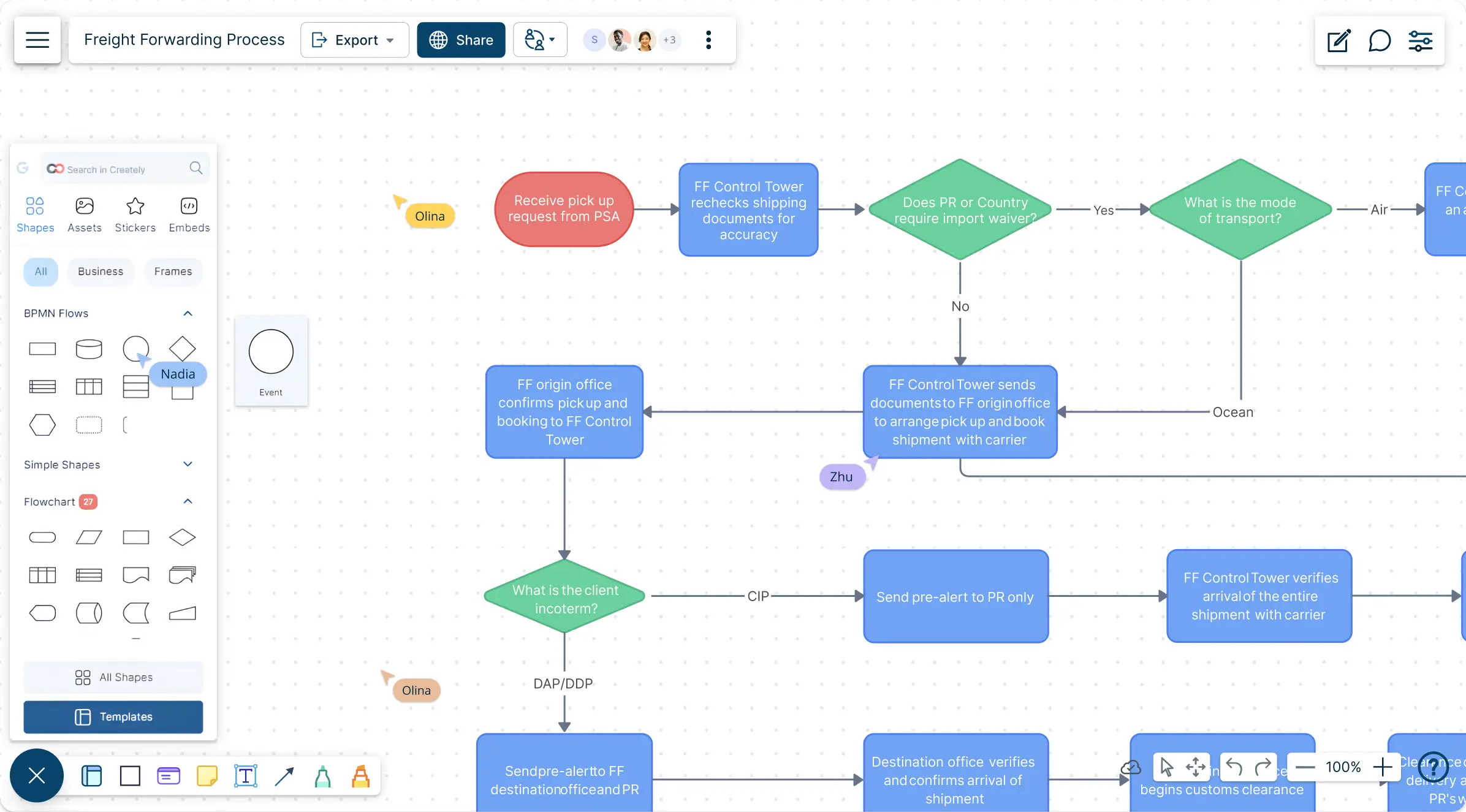
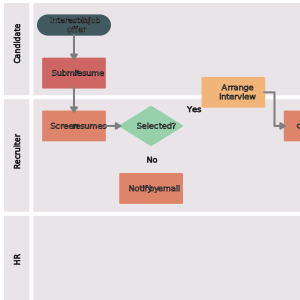
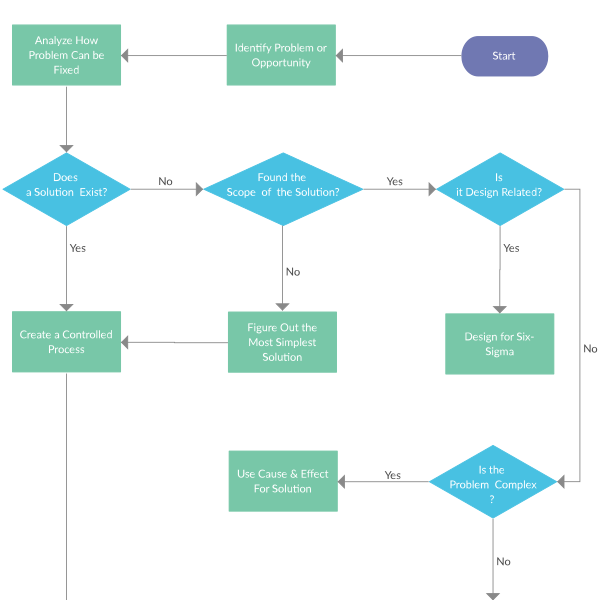
Transform complex processes into clear, easy-to-understand visuals with intuitive, pre-designed process map templates. Creately’s infinite canvas lets you capture every aspect of your workflows from start to finish, all in one comprehensive view, using a process mapping template. Attach essential documents, resources, and links to each stage, keeping critical information readily accessible. Use color codes, shapes, and icons to highlight and categorize steps, making each part of the process visually distinct and simple to follow.
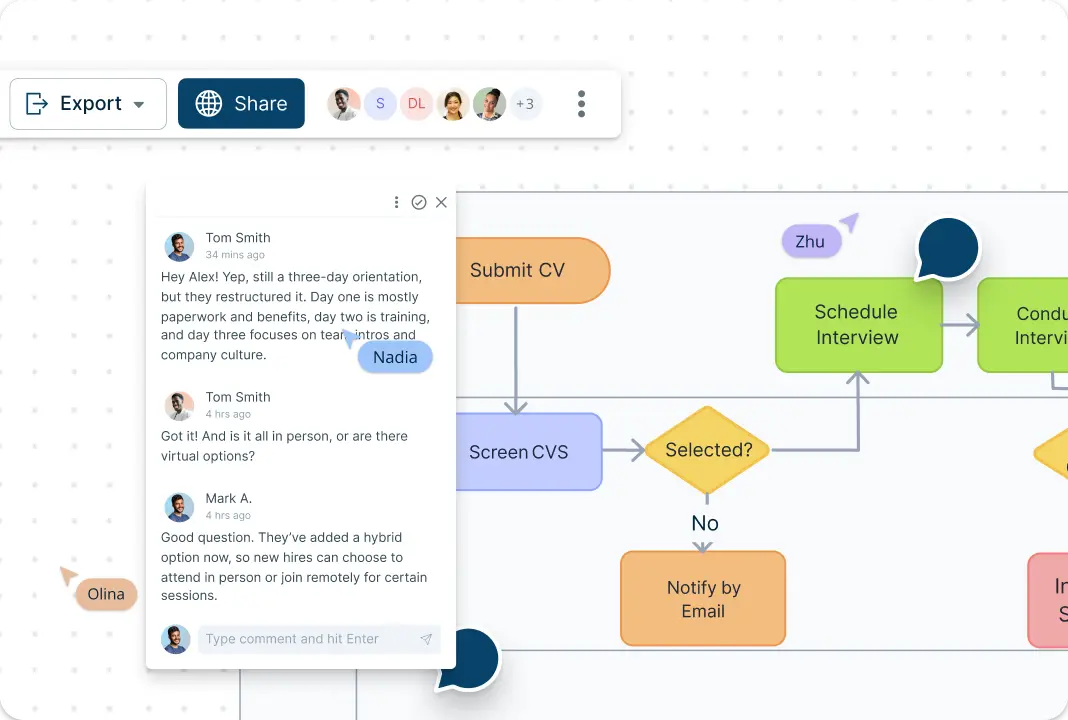
Enable Real-Time Team Collaboration on Process Maps
Collaborate in real-time with your team on a shared canvas, making it easy to add input and streamline processes together using process map templates. Share process maps securely with stakeholders, so everyone has up-to-date access. Tag teammates or departments in specific steps of the process map, clarifying roles and responsibilities while fostering accountability across the team. With direct commenting and feedback on the map, alignment is effortless, ensuring clarity and fast iteration.
Centralize Information with Creately’s Database Feature
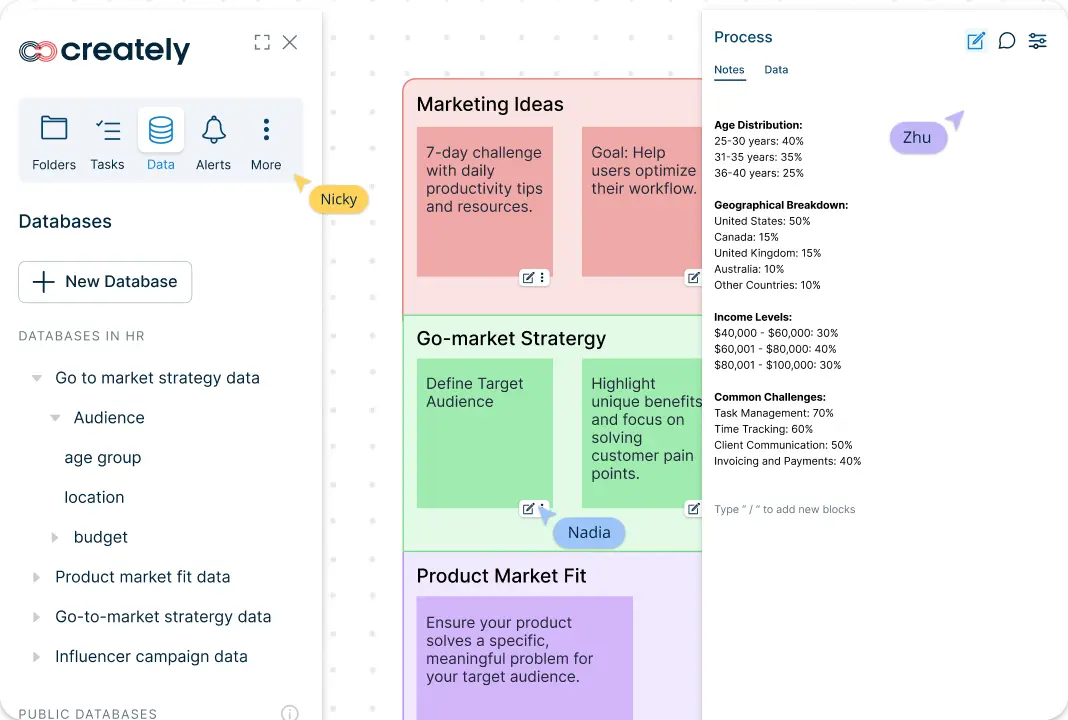
Use Creately’s data fields and linked shapes to keep important process information connected to the map. Teams can record owners, statuses, references, and other structured details on process elements, then reuse linked information across related views. This reduces duplicated documentation and makes process updates easier to review and maintain.
What Is a Process Mapping Template?
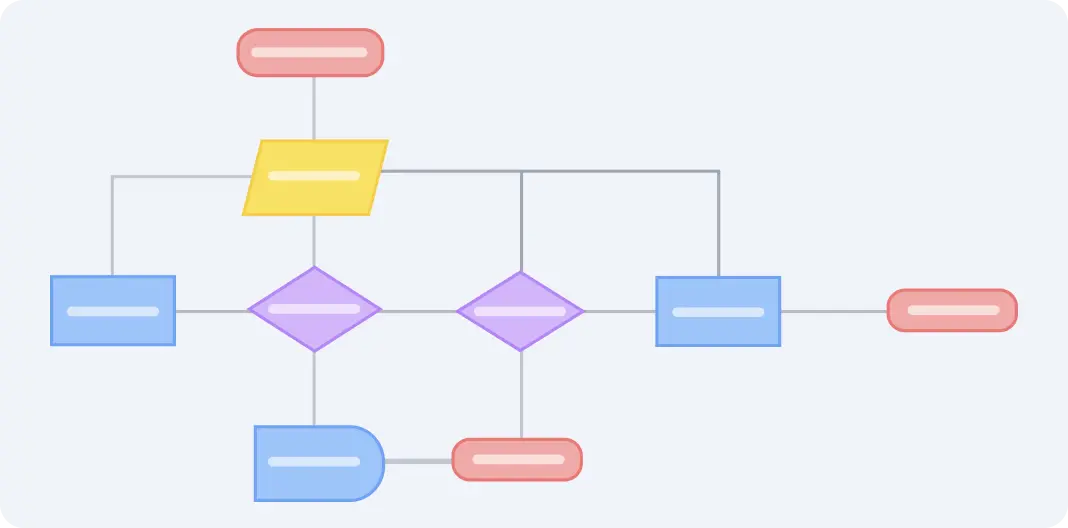
A process mapping template is a visual starting point for documenting how a workflow moves from start to finish. It helps teams capture steps, roles, inputs, outputs, and decision points in a format that is easier to review, standardize, and improve than disconnected documents or static notes.
That makes process mapping templates useful for much more than diagramming. Teams can use them to clarify handoffs, attach supporting context, build living process documentation, and keep future updates easier to manage across training, operations, and continuous improvement work.
How to Use Creately’s Process Mapping Template?
Create a New Workspace:
Start by opening Creately and setting up a new workspace. Choose the Process Mapping Template from the available options, giving you a ready-made structure to begin mapping out your workflow.Add Key Steps and Phases:
Identify the main stages of your process and place them on the canvas. Use Creately’s shapes and text tools to clearly label each step. Begin with the starting point of the process and work towards the final outcome, ensuring that each phase flows logically.Define Roles and Responsibilities:
Assign each process step to the relevant team members or departments. Use color coding, shapes, or icons to represent different roles or responsibilities, providing clarity on who handles each stage of the workflow.Integrate Database for Seamless Updates:
As you build your process map, add structured properties such as owners, statuses, descriptions, durations, systems, and linked references to the relevant shapes. These fields keep operational context attached to each process step and make the map easier to review and maintain. Linked diagrams can connect parent processes to detailed subprocesses without duplicating the full procedure on one canvas.Include Supporting Details:
For each step, add relevant documents, links, or notes to provide more information. Creately’s attachment and notes features allow you to connect all necessary resources directly to the map, making it easy for team members to access essential details without leaving the workspace.Customize and Organize:
Personalize the look of your process map by adjusting colors, fonts, and shapes. This helps emphasize key points, distinguish between phases, and enhance overall readability. Rearrange elements to create a clear, visually appealing layout.Collaborate with Your Team:
Share the process map with your team to collaborate in real time. Team members can view, edit, or comment on the diagram, adding insights and adjustments to refine the workflow. Use @mentions to direct comments or requests to specific colleagues.Save and Export:
Once your process map is complete, save your work within Creately. You can also export the diagram as a PDF, PNG, or SVG file, making it easy to incorporate into presentations, reports, or training materials.
Unlock Your Full Creative Potential with These Templates
FAQs About the Process Mapping Template
What are Creately’s process mapping template pricing plans?
- Free Plan — $0/month for basic process mapping creation and collaboration
- Starter & Team Plans — $8/month or $5/month billed annually
- Business Plan — $149/month or $89/month billed annually
Annual billing helps you save more while unlocking advanced collaboration, workspace management, and enhanced process mapping features. You can compare all available plans and features on the Creately Pricing Page.
How can you create process mappings faster?
Are there templates for different process mapping use cases?
Can teams collaborate on process mappings?
Can I add notes, data, and files?
Can I share, present, or export process mappings?